The Konjo app

Every class, written down.

The app your students carry. Every class they train, the requirements for the belt they are on, and the feedback your instructors write down. Your dojo’s plan includes it for every student and every instructor.Today it runs in any browser. iOS is in Apple’s TestFlight beta and Android is in testing.

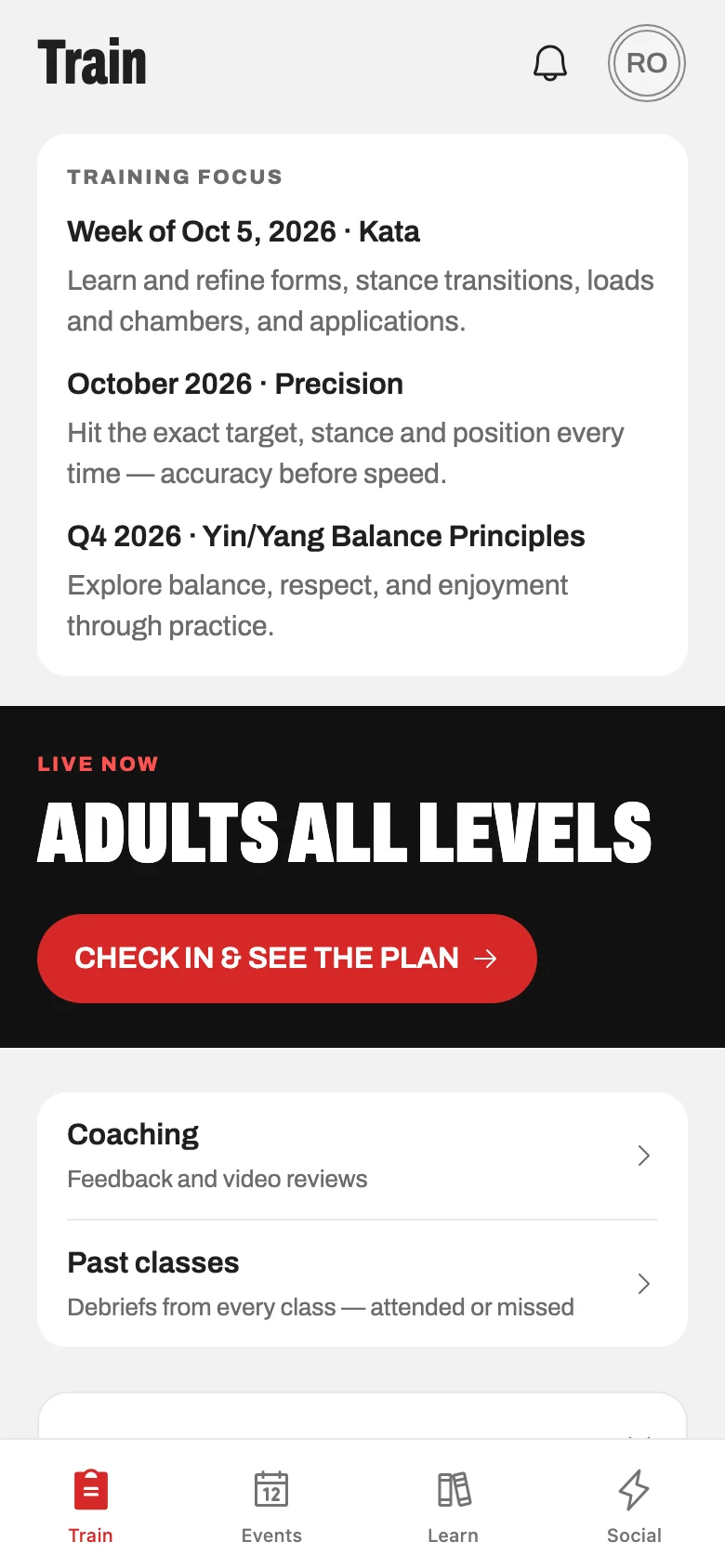
Train

Log the class on the way off the mat.

A training record is only useful if it gets written. Logging a session takes seconds, so after a few months you can see every class you attended and what you worked on in each one.

  • Training log

    Log a class or a solo session in seconds — time, what you worked on, notes, photos or video.

  • Achievements

    Streaks and milestones show up on their own. A promotion gets a moment, because a person on the mat gave it to you.

  • Ranks across styles

    Konjo is multi-style. A student who trains two arts carries a rank in each, on one profile.

Train — the first screen a student sees.Screenshot coming soon.
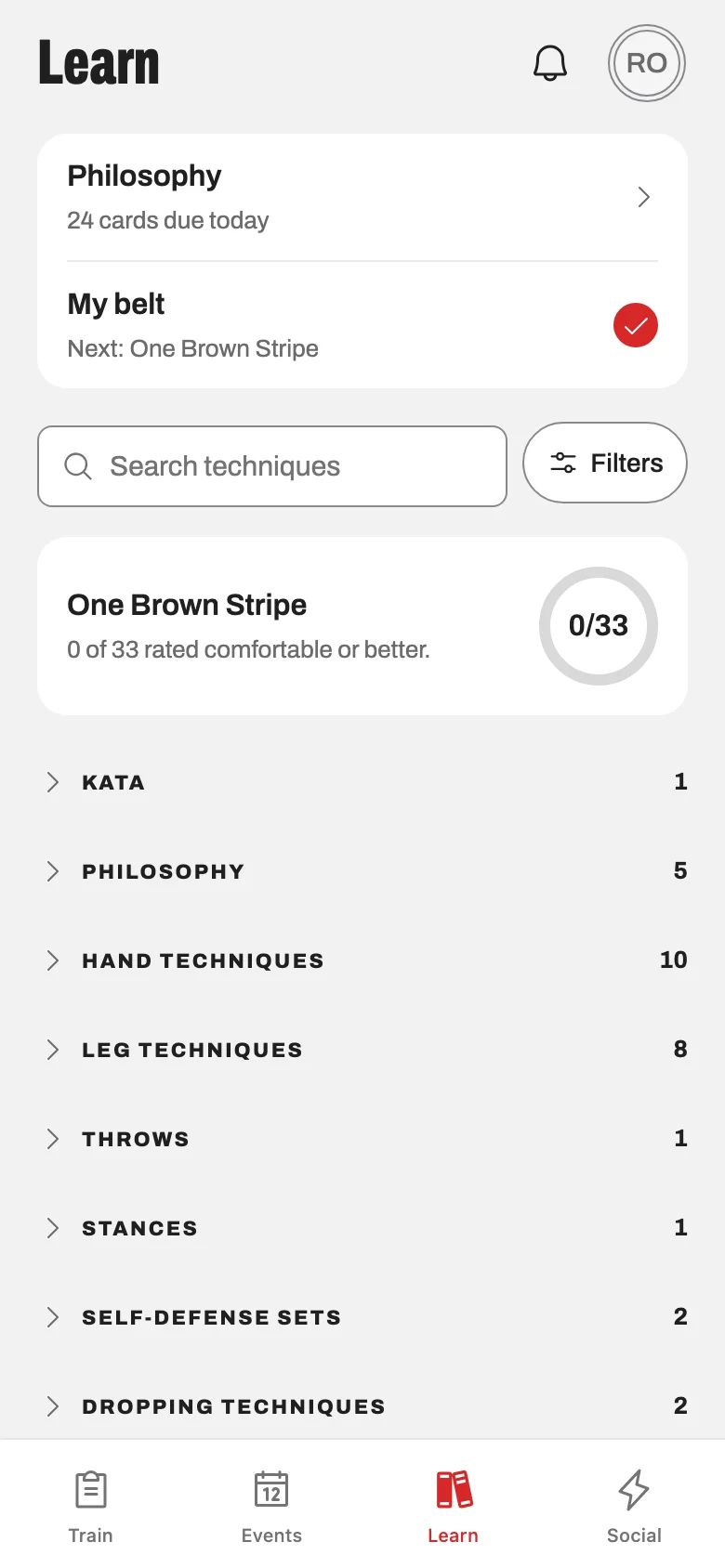
Learn

Your dojo’s material for the belt you are on

Your curriculum lives in a binder, a slide deck or somebody’s memory. None of those is any use to a student at home the night before a test.

  • Curriculum for your rank

    The requirements for the belt you are on, with video, searchable, and nothing from three ranks ahead to scare a white belt.

  • Philosophy flashcards

    Spaced repetition for the material you are meant to recite at a test, so it is in your head before test week.

Your rank’s requirements, with video.Screenshot coming soon.
Coaching

Feedback you can read again next week

How a student asks an instructor for help between classes, and what comes back.

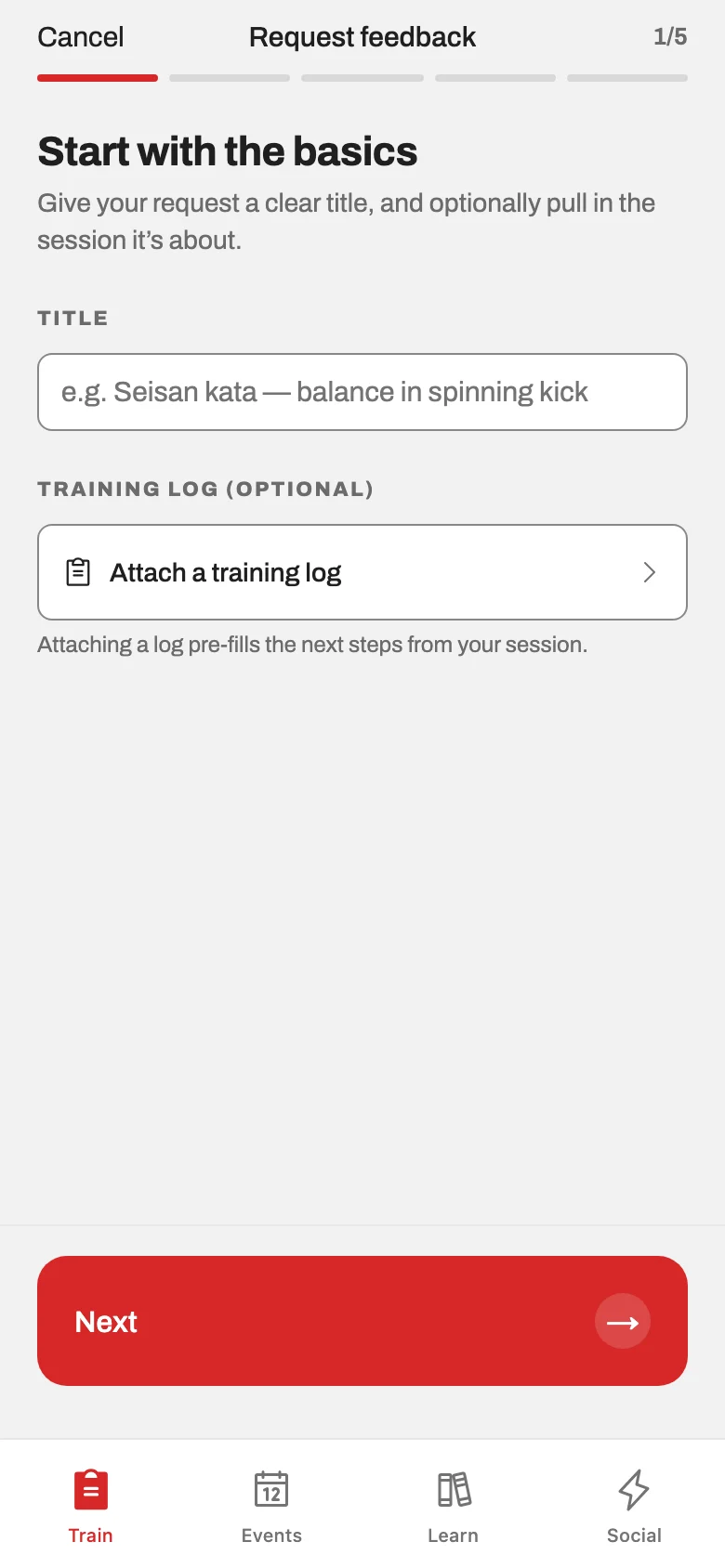
  • Coaching requests

    Send a video to an instructor and get structured written feedback back, not a thumbs-up in a group chat.

  1. Record a set, a kata or one technique on your phone and send it in.

  2. Choose who sees it — one instructor, a group, or whoever at your dojo is qualified to answer.

  3. The feedback comes back written down: what worked, what to focus on, what to do next.

Events and community

The rest of the year, and the talk in between

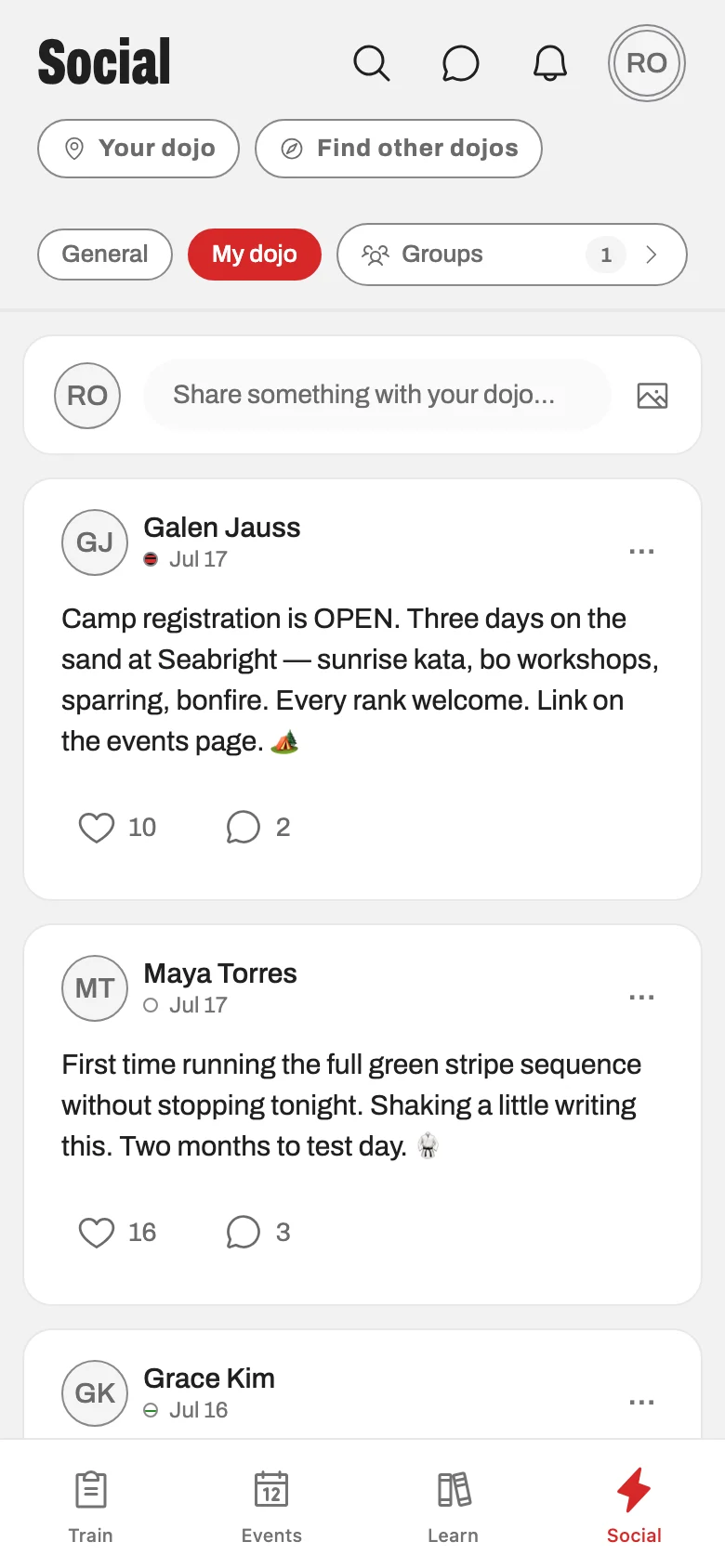
A school’s year is not only classes. Events holds everything else your dojo puts on, and the feed is where the school talks to itself between them.

  • Events

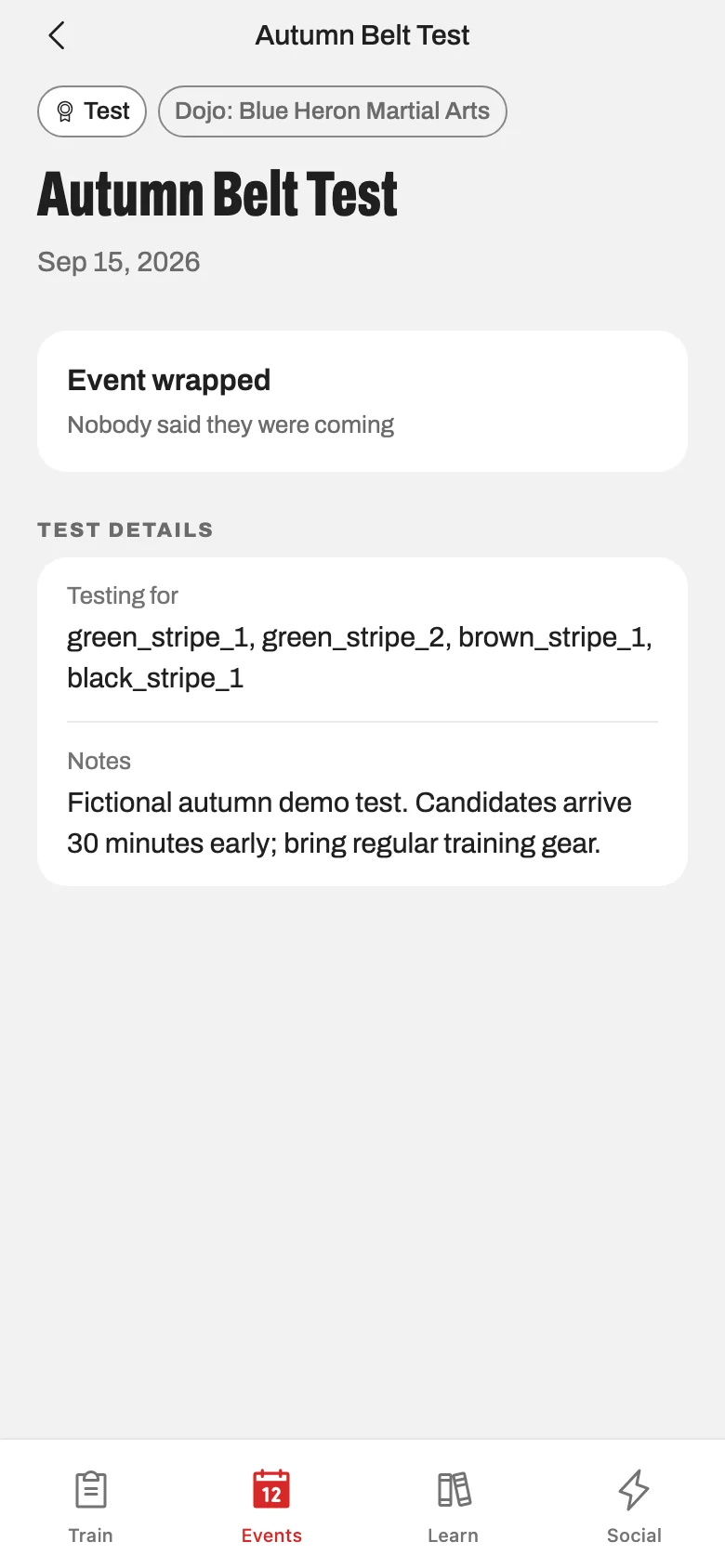
    Camps, tests, tournaments, seminars, fundraisers and socials — with schedules, rosters and RSVPs in one place.

  • Personal schedule and calendar

    Your classes, pre-class reminders, and a calendar feed you can subscribe to from your phone’s own calendar.

  • Dojo feed and groups

    A community feed for your school, with groups, announcements and comments — not a Facebook group anyone can leave.

Family and booking

One login for the whole household

Most students under twelve do not have their own phone, and a family with three children training should not need three logins.

  • Family accounts

    A parent manages every child from one login, including profiles for children too young for their own account.

  • Class booking and waitlists

    Book a spot when a class has a cap, join the waitlist when it is full, and get a push when a place opens.

  • Kiosk check-in

    A tablet in the lobby students check into class on themselves, by QR code or PIN.

For instructors

The Teach tab

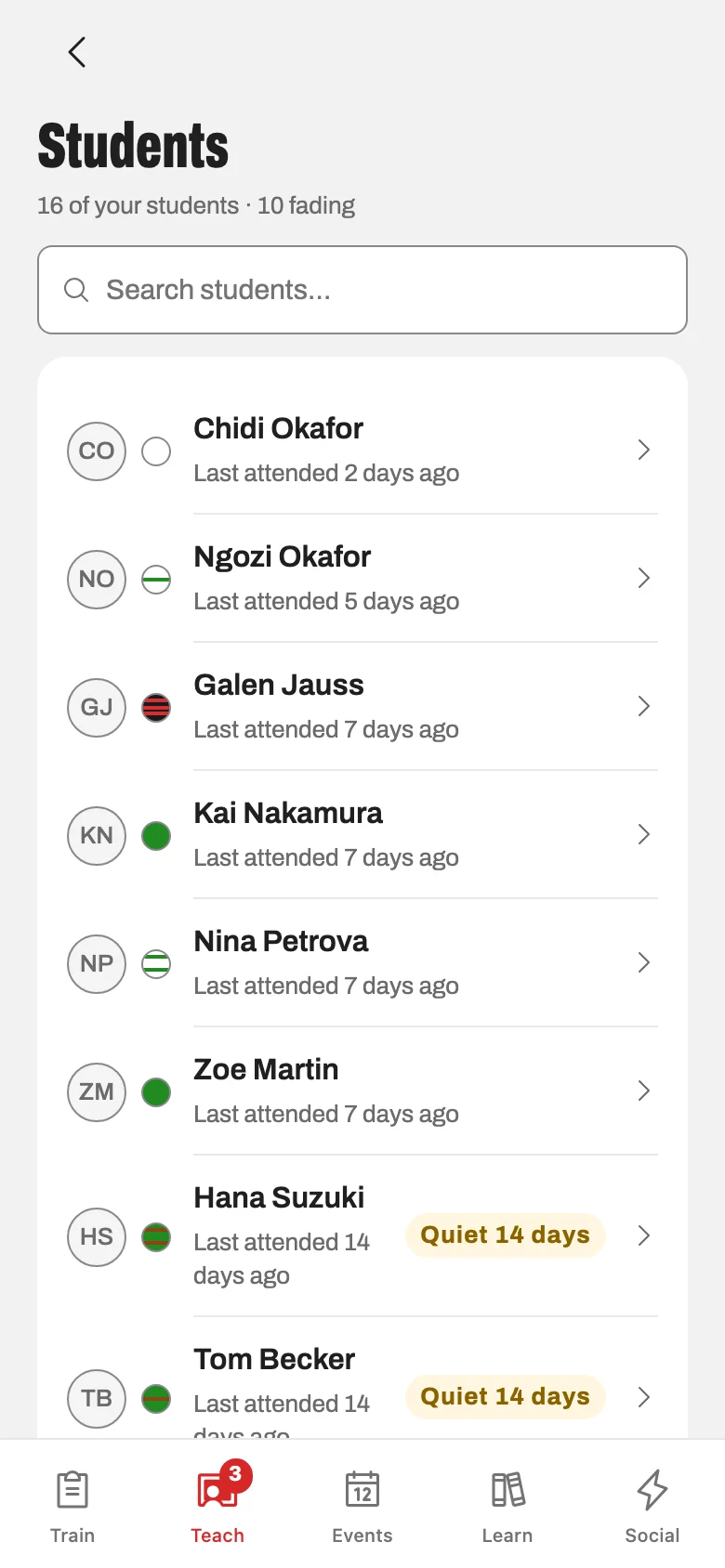
Instructors get a fifth tab in the same app. It appears only for people on the dojo’s instructor roster, and everything in it is built to be used mid-class with one free hand.

  • Class Mode

    Run the class from your phone: check people in, teach the plan, write the debrief on the way out.

  • Attendance

    Check in one student or the whole mat, and see any student’s history without leaving the floor.

  • Readiness

    Who is close to their next test and what each of them is still missing, built from real requirements and real attendance.

  • Class plans

    A library of plans with blocks and breakouts, assignable to a class and shareable with the other instructors.

  • Test rosters

    Build the candidate list for a test, mark pass, fail or absent, and finalize promotions in one pass.

  • Test requirements

    Head instructors set what each rank at this dojo has to show, including requirements that exist nowhere else.

  • Coverage

    Mark yourself unavailable and the sub request goes out on its own, with reminders if nobody claims it.

Class Mode, running a class.Screenshot coming soon.

Where the app runs today

  • WebSign in at app.getkonjo.com from any browser.
  • iOSIn Apple’s TestFlight beta now, App Store to follow.
  • AndroidIn testing.
For dojo owners

Watch a class get logged and graded.

We set it up on a sample dojo with your ranks in it, then walk the student’s side — logging a class, and the requirements for the next belt. Then the Teach tab, where an instructor takes attendance and grades a test.

A short call. Nothing to install, no contract and no minimum term.