How the ninja moves, when, for how long, and what it does when someone has asked the phone to hold still.
Part of the Konjo design language. The laws in the spine apply here unless this chapter contradicts them. Durations come from motion; where the ninja may appear at all comes from imagery.
Status: spec, 2026-10-02. The art is split and ready to rig; the Rive file does not exist yet,
and the app still shows the static poses. Nothing on this page is live until
assets/brand/ninja/konjo-ninja.riv lands.
The ninja is the mark. It moves the way a black belt moves: once, cleanly, then still. It never fidgets to fill a screen, never loops for attention, and never moves while someone is reading a sentence beside it. If you noticed the animation, it was too long.
The file
One Rive file: assets/brand/ninja/konjo-ninja.riv. One artboard per pose, because each pose
is its own drawing and a rig cannot morph one drawing into another.
| Artboard | Drawn from | Used for |
|---|---|---|
welcome |
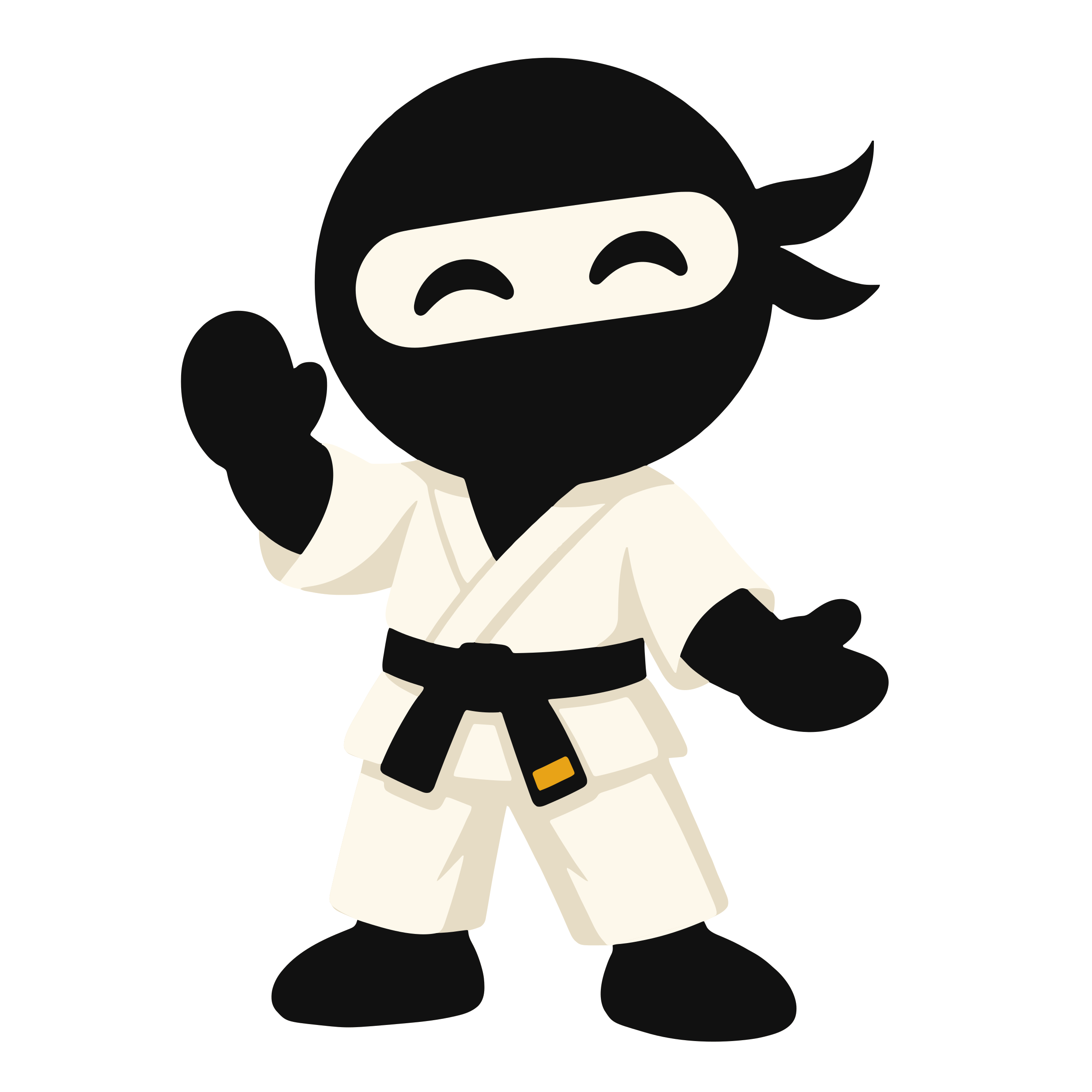
01-welcome |
Onboarding hero, sign-in |
ready |
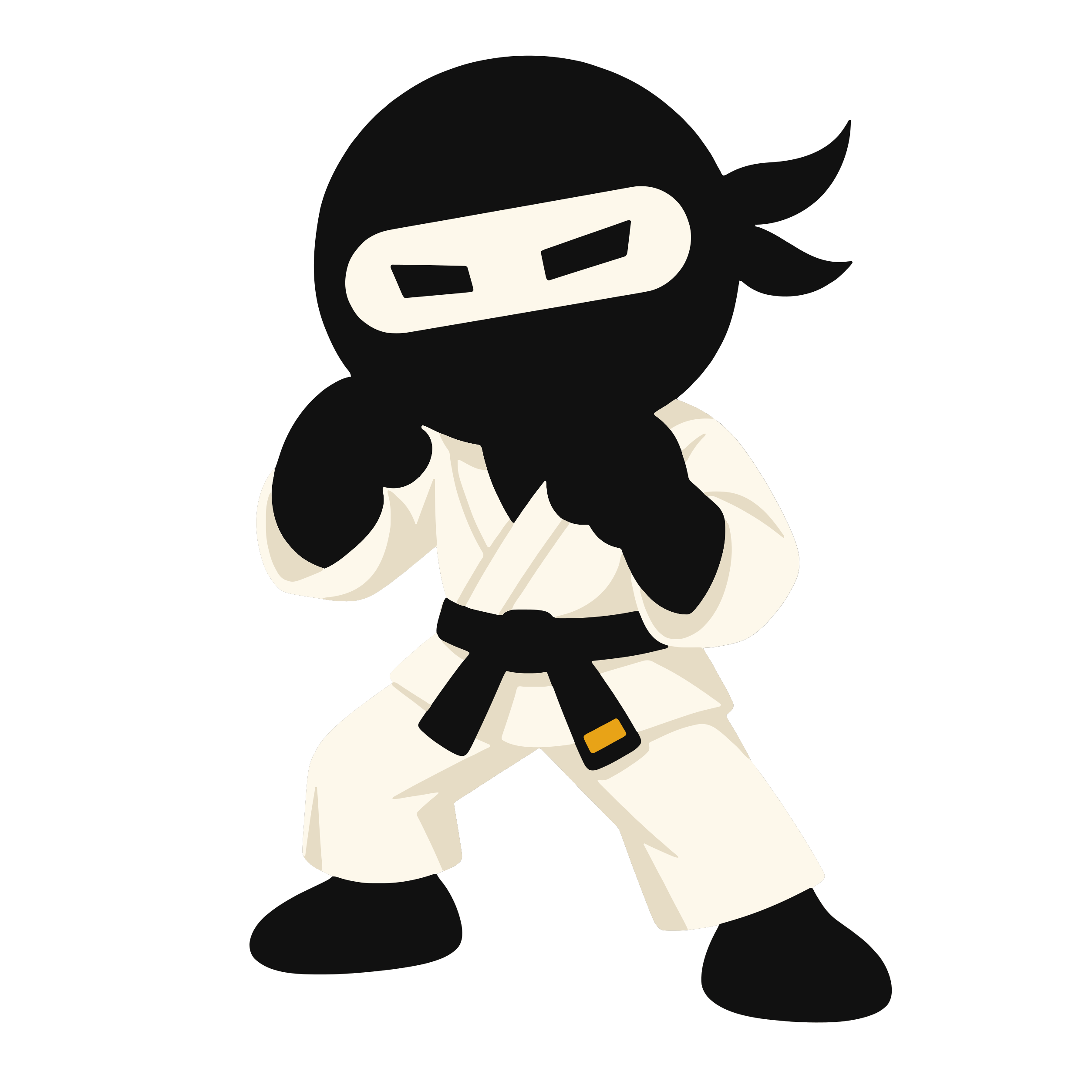
02-ready |
Idle default, auth screens, bow |
promotion |
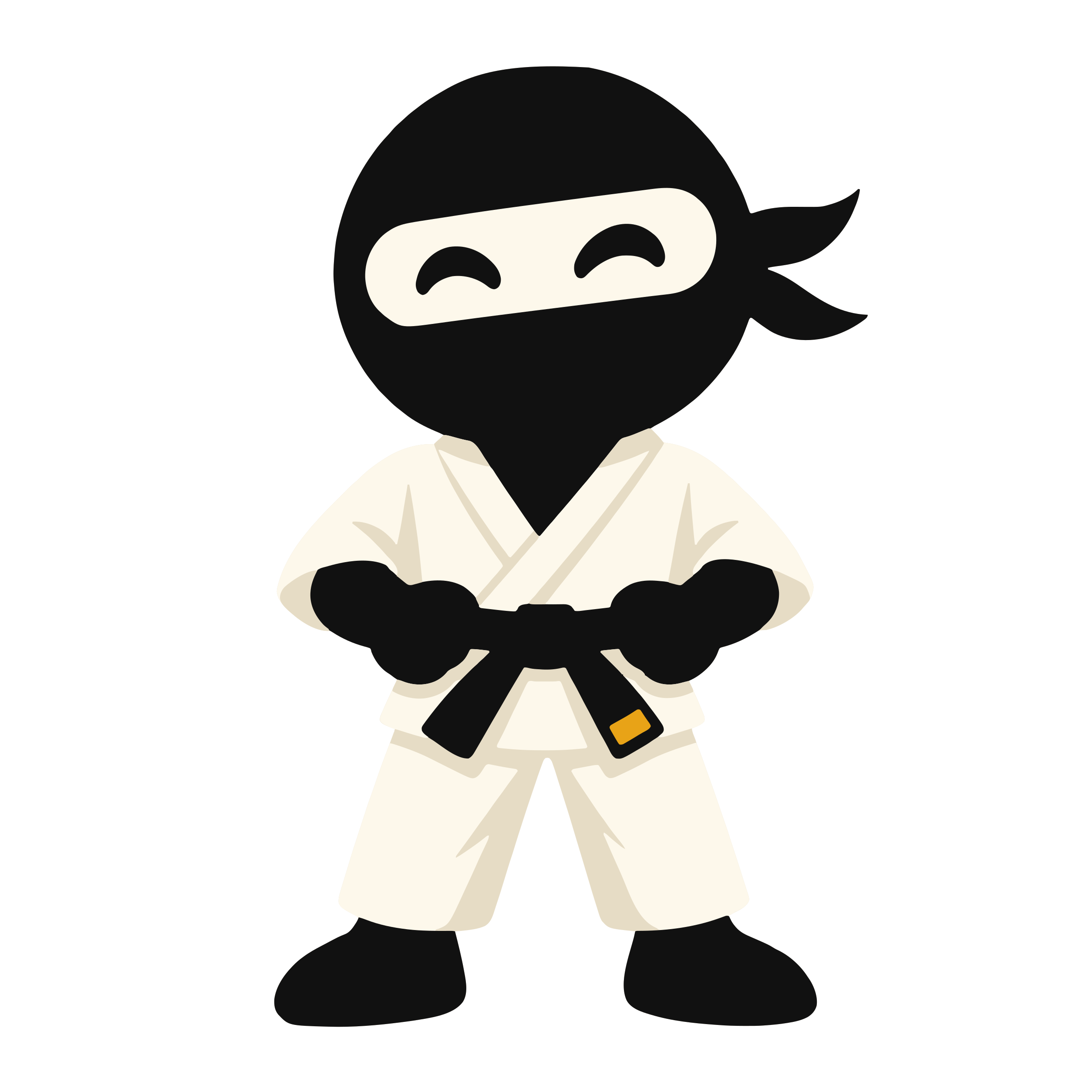
05-promotion |
Belt promotion |
jump |
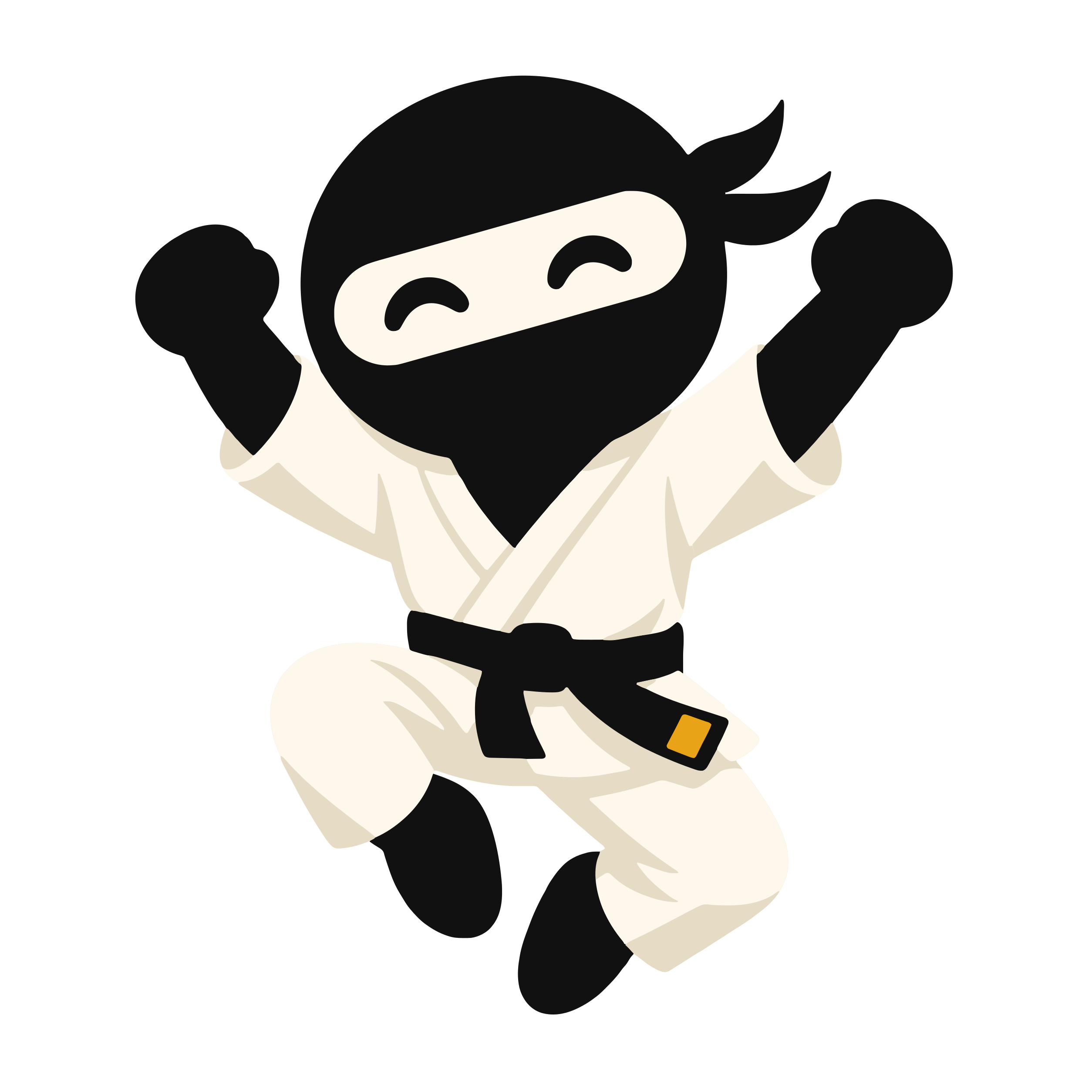
06-jump |
Streaks, badges, milestones |
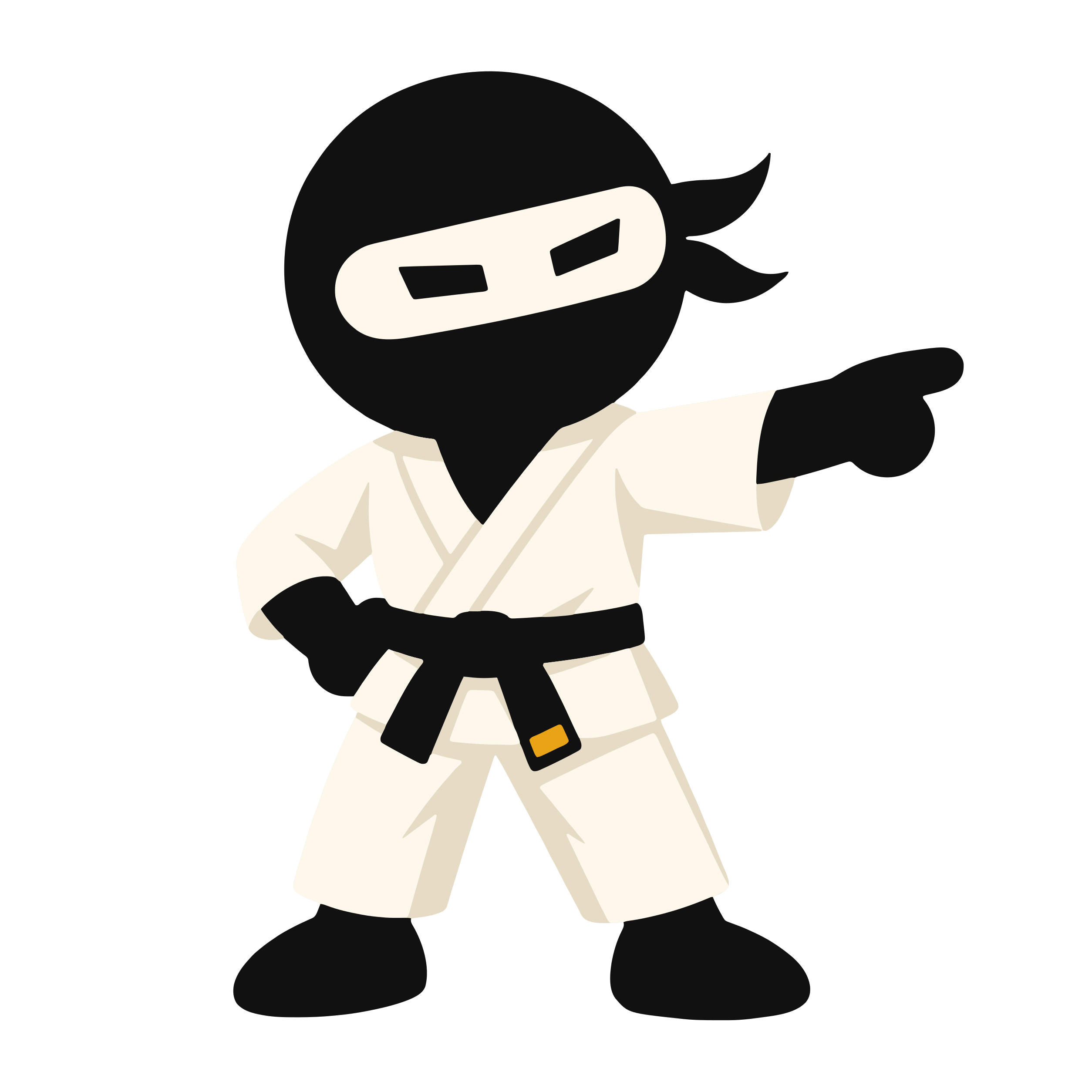
point |
08-point |
Onboarding hints, "start here" empty states |
oops |
09-oops |
Errors. Not rigged yet; static until it is |
bow |
04-bow |
Not rigged yet; ready carries the bow until it is |
Every artboard has one state machine, named ninja, with the same inputs, so the app never needs
to know which pose it is talking to.
| Input | Type | Does |
|---|---|---|
play |
trigger | Runs the artboard's one action, then returns to hold |
blink |
trigger | One blink. The app fires it; the file never blinks on its own |
dark |
boolean | Shows the grey keyline layer, the same one the dark PNGs carry |
Rigging starts from the layered SVGs in assets/brand/ninja/rig/,
which name every layer, give every pivot and fix the draw order. They are generated by
scripts/brand/ninja-rig.py; never split a pose by hand.
The state machine
entry ─► arrive ─► hold ◄──┐
                   │  ▲ │  │
              play │  │ └──┘ blink
                   ▼  │ done
                 action
arriveplays once when the ninja first appears. It is the pose settling into place, not an entrance from off-screen.holdis the resting state. It is the static pose. Nothing moves in it.actionis the artboard's one move: bow, celebrate, tie, point or shrug. It always ends back inhold, on the same framearriveended on.blinkis layered overhold. It only toucheseye-leftandeye-right.
Idle: breathe and blink
Idle is a hold, not a loop. Motion bans breathing and floating everywhere, and the ninja is not an exception to it.
- Breathe happens once, as the last beat of
arrive: the torso rises 1% and settles. It does not repeat. - Blink is fired by the app, at most twice per visit to a screen, the first one 2–4 seconds after arrival and never while the person is typing. A blink is a state change of the eyes, not decoration, and two is the ceiling.
The actions
All timings are tokens from motion. A step's duration is the token named; a sequence's total stays at or under 400ms, with one exception.
- Arrive · all artboards · 400ms. The pose settles from 8pt low:
enter(250), ease out. Torso breath:quick(150). - Blink · all artboards · 100ms. The eyes close and open:
instant(100). - Bow ·
ready· 380ms. Head and torso dip 30° from the hips:base(200), ease out. Rise:exit(180), ease in. - Celebrate ·
jump· 400ms. Crouch:instant(100). Leave the ground:quick(150). Land and settle:quick(150). - Point ·
point· 400ms. The arm extends from the elbow:enter(250). One nudge toward the target:quick(150). - Shrug ·
oops· 330ms. Shoulders and hands up:quick(150). Down:exit(180). - Tie the belt ·
promotion· 900ms. Hands pull the knot:enter(250). Belt tails flick out:slow(350). Proud blink:quick(150). Settle:quick(150).
Tying the belt is the one animation allowed past 400ms, for the same reason the promotion certificate is: the moment is the point. It plays once, when the certificate appears, and is opt-out under reduce motion like every other move here.
Rules for every move
- Pivots are the joints. Rotate a part about the pivot the rig gives it. Nothing scales a limb to fake a bend.
- Travel is small. The whole figure never moves more than 24pt. Arrive is 8pt.
- Ease out on the way in, ease in on the way out. The standard, enter and exit curves from the token file; no springs, no overshoot past the final pose.
- One move at a time. The ninja does not move while a sheet is rising or a list is loading.
- Interruptible. A new
playmid-action jumps toholdfirst. Nothing queues. - The face only changes through the eyes. No mouth, no eyebrows, per the canon.
Reduce motion
When the system's reduce-motion setting is on, the ninja does not animate at all.
| Normally | Reduced |
|---|---|
| Arrive | The pose is simply there |
| Blink, breathe | Never |
| Bow, celebrate, point, shrug | The static pose of that moment |
| Tie the belt | The promotion pose, presented statically beside the certificate |
| One pose replacing another | A cross-fade of base (200) in place |
The static pose is the PNG the app already ships, from src/components/ninjaArt.ts. Nothing is
lost: every message the ninja accompanies is carried by the words and the button beside it.
Where each state is used
The ninja accompanies a message; it never replaces it. The rules on where it may appear are in imagery, and they hold here.
- Onboarding welcome, sign-in:
welcome, arrive, then up to two blinks. The only screen where a blink may fire without a tap. - Auth screens:
ready, arrive. No action. - Class start, respect moments:
ready, bow. Plays once on arrival. - Onboarding hints, "start here" empty states:
point, arrive then point. Points toward the one way in. See states. - Error states:
oops, shrug. Static until09-oopsis rigged. Never on a payment, waiver or safety error. - Streak, badge, milestone:
jump, celebrate. Plays once when the milestone is shown, never again on revisit. - Belt promotion:
promotion, tie the belt. Plays with the certificate reveal. The sensei stays the subject.
Never: in chrome, on billing, waivers or safety flags, as a speaker, or on a loop.
In the app
The runtime is not installed yet. When it is:
- Native:
rive-react-native. It is a native module, so it ships in the next EAS build and does not run in Expo Go. Metro needsrivadded to its asset extensions. - Web:
@rive-app/react-canvas, through a.web.tsxplatform file, the same way the app already splits other components for React Native Web. - One component,
NinjaMotion, insrc/components/. It takes a moment (welcome,ready,bow,point,oops,celebrate,promotion), a size and atestID, and picks the artboard and action. - The PNG is the floor.
NinjaMotionrenders the pose fromninjaArt(pose, theme)first, in the same box, and swaps to the Rive canvas only once the file has loaded. If the runtime is missing, the file fails, or reduce motion is on, the PNG simply stays. Nothing jumps when the animation arrives. - Dark mode sets the
darkinput, so the keyline matches the dark PNGs. - Hidden from screen readers, like every decorative image. The message carries the meaning.
- Budget: the
.rivstays under 150 KB, all artboards together.
Until NinjaMotion exists, keep using ninjaArt directly. It is already the fallback, so
nothing needs undoing when the animation lands.